

About GENSOKISHI ONLINE
An otherworldly fantasy.
Make the adventure your own.
GENSOKISHI ONLINE is the newest entry in a series that received the 2012 Game of the Year (Gold) award in Taiwan and has passed 8 million downloads.
Explore a vast world, meet new friends, and enjoy a story of your own in this fantasy MMORPG. Play solo or with others, however you like.

-

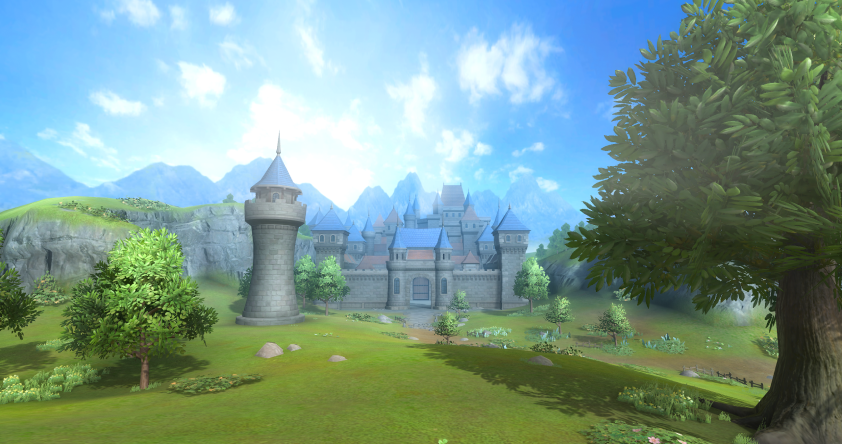
The verdant plain where budding adventurers take their first steps into the unknown world. Let's embark on Maria's quest here and hone your skills to prepare for the journey ahead.
-

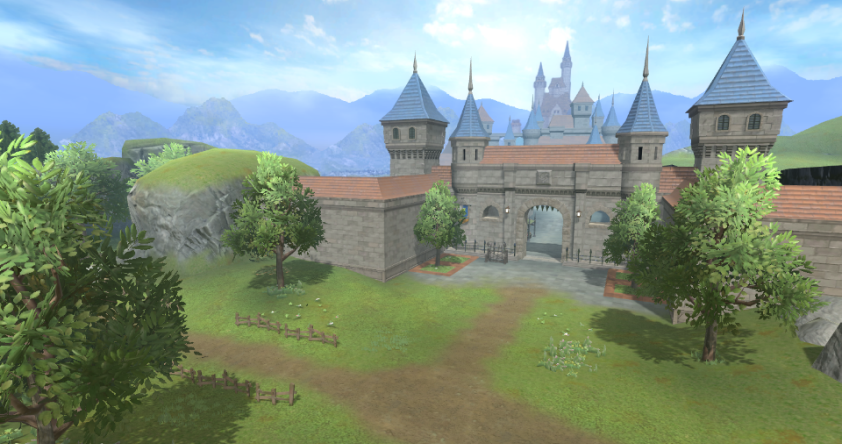
As you progress through quests, you'll arrive at a vast grassland in front of Elrond Castle town. Many quests and monsters await you here. Level up your characters and strengthen them before heading to the castle town.
-

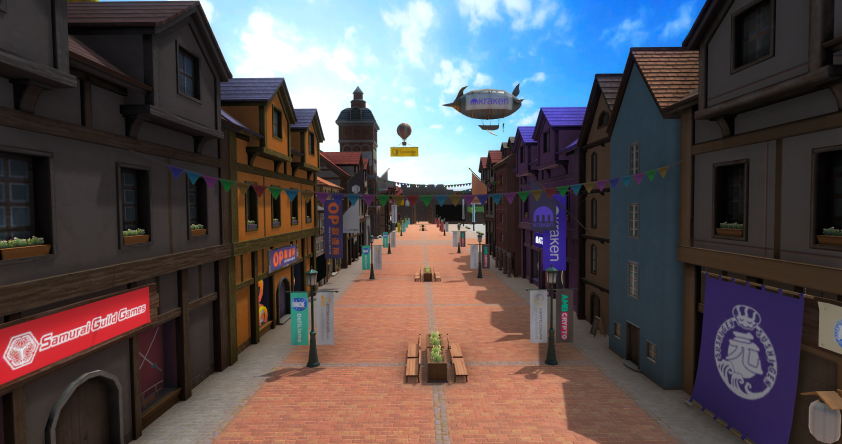
Nestled beside the castle town lies a bustling mall lined with various stores. Teleport Gates placed in the mall will take you to various locations. Here will be the base point for your adventure.
-

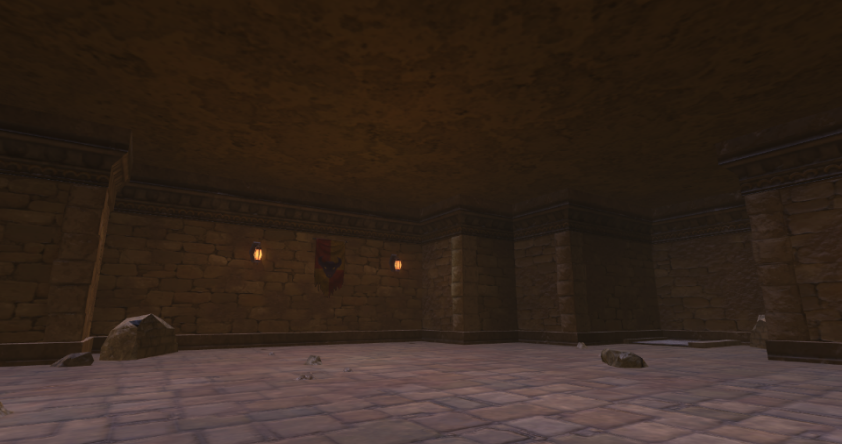
A long-forgotten ruin where a sacred rite once took place. You will visit here for the class change quests.
-

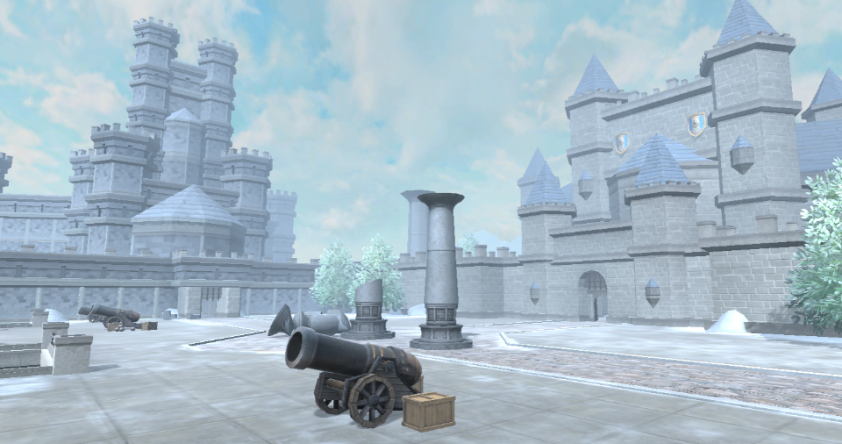
A massive fortress and city walls where the battle against the Dark Forces took place during the Great Elemental War. Quest battles shall unfold here as your story progresses.
How do you begin your adventure in GENSOKISHI ONLINE?
Ready to start, but not sure how?
For everyone in that situation, here is how to get started with GENSOKISHI ONLINE.
The three steps below are all you need to set out on your journey!

We'll guide you through each of the steps in detail!

To start the game, you will need to follow the steps below to register your account and create your character.
-
Registering your account
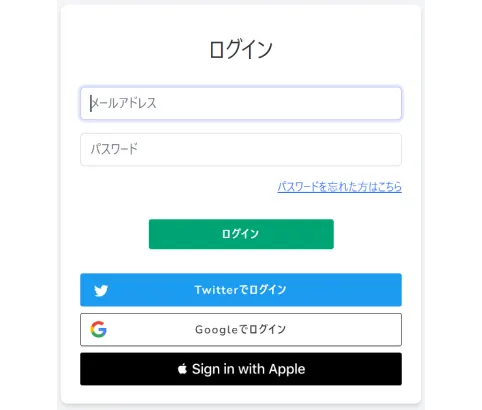
On the account registration page, you can create an account by selecting your preferred login method from either: an email address, Twitter account, Google account or Apple ID.
-
Creating your character
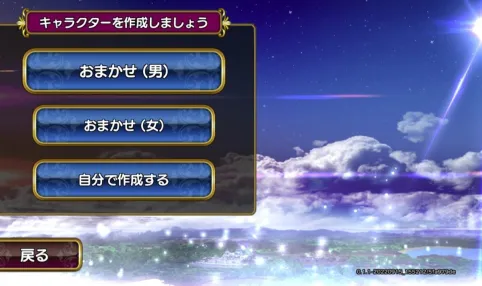
Personalize your character's gender, facial expression, hair color, and more to your liking. Alternatively, there is a "random" character generator for an easy set up.

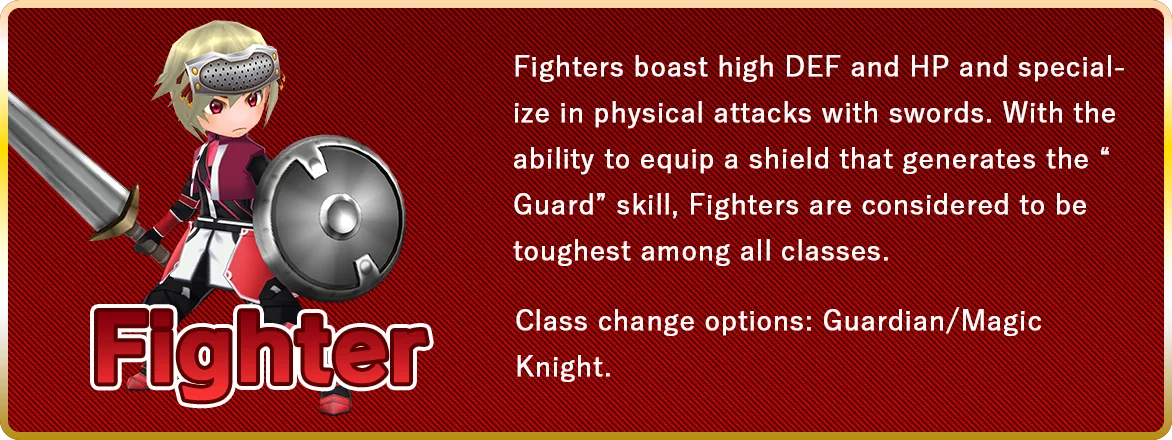
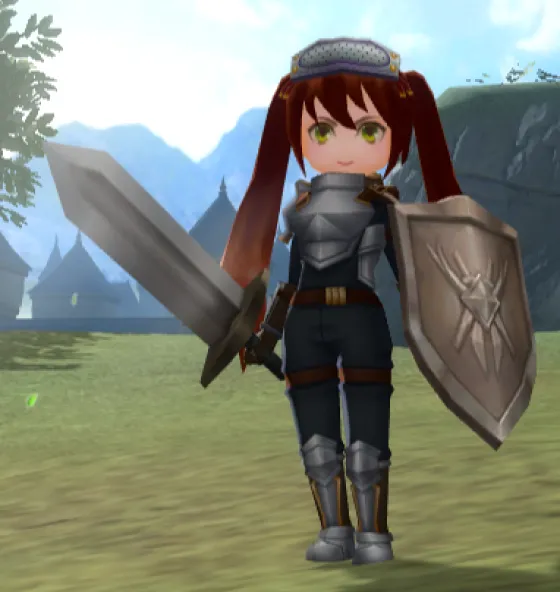
In GENSOKISHI ONLINE, there are four basic classes. When a player starts the game for the first time, they need to choose one of these four basic classes.
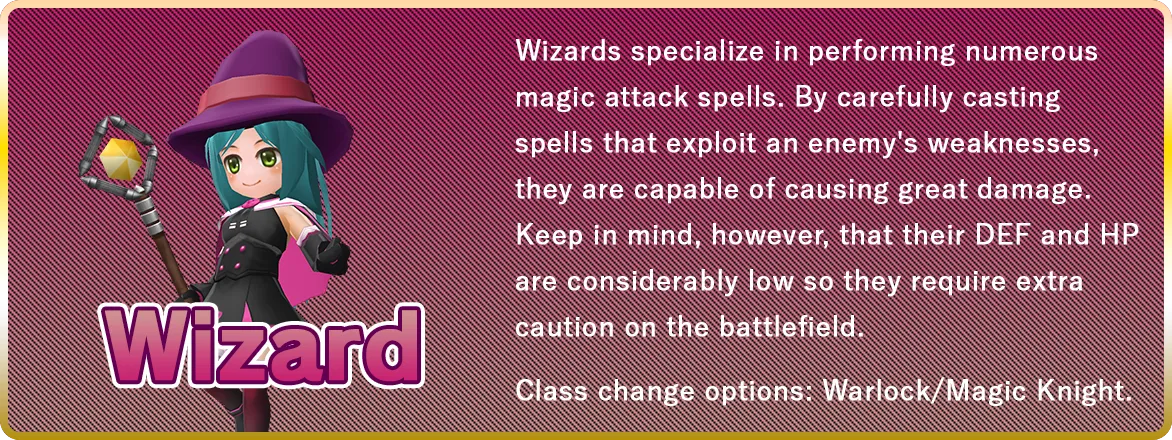
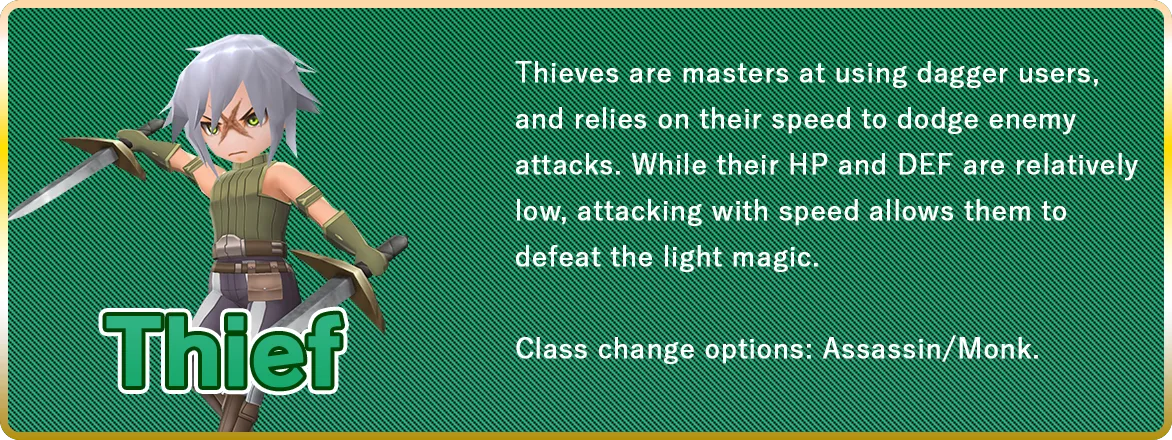
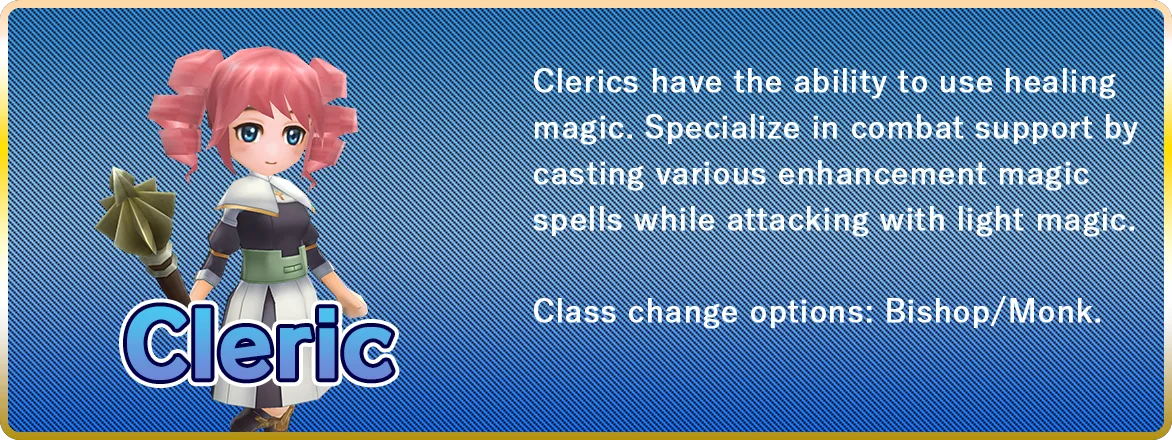

In GENSOKISHI ONLINE, there are two types of gear that players can equip: "Cosplay Gear" and "Gear".
Cosplay Gears are rare NFT items that can mainly be obtained outside of the game, boasting unique appearances and high parameters. Some Cosplay Gears even come with powerful skills exclusive to the Cosplay Gear. Players can register up to 10 combination sets of their favorite Cosplay Gear and can switch their character's Cosplay Gear combination at any time.
Gears can mainly be obtained within the game from shops or monsters. While Gears have simple appearances compared to the Cosplay Gears, they have unique abilities, with some of the more rare Gears retaining powerful parameters. Gears form the base of the player's character's strength, so we recommend saving up R to buy various Gears from shops or defeating monsters for item drops.
-
Gear -
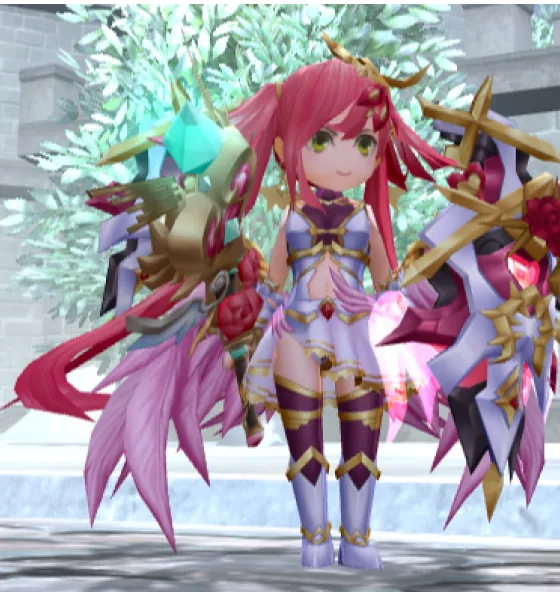
Cosplay Gear

To attack a monster, approach them and select the action button indicated in red, located on the lower right corner of the gameplay screen. Battles will proceed with both the player and the monster automatically attacking each other at regular intervals.
Skills available for use are displayed on the lower right of the gameplay screen. Press the desired skill button to trigger. When triggering a skill, it will consume the designated amount of MP and cannot be used again until the reuse time has passed.
By accumulating skill EXP, players are able to obtain new and powerful skills via the Skill Tree. Arrange the shortcut buttons for easy access to skills that are used frequently.
If you are unable to defeat a monster stronger than you, click the action button indicated in red again or select "Run Away" located at the top of the screen to cancel the battle engagement, then move away from the enemy for a while to escape.
When participating in a party, be sure to keep an eye on the HP/MP of your party members, which are displayed on the left side of the screen.
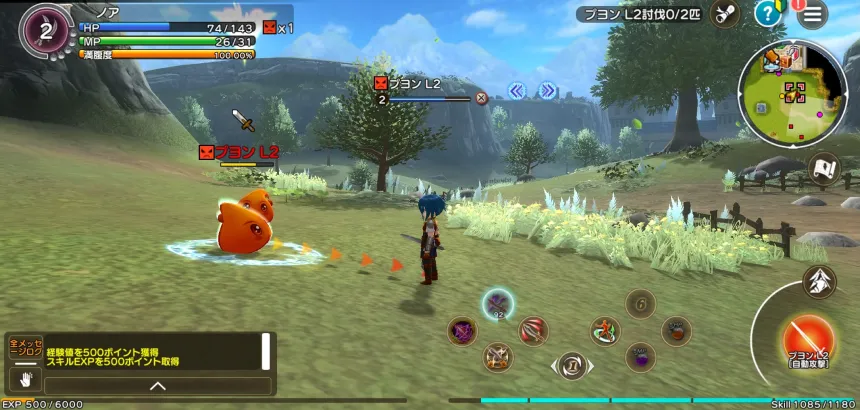
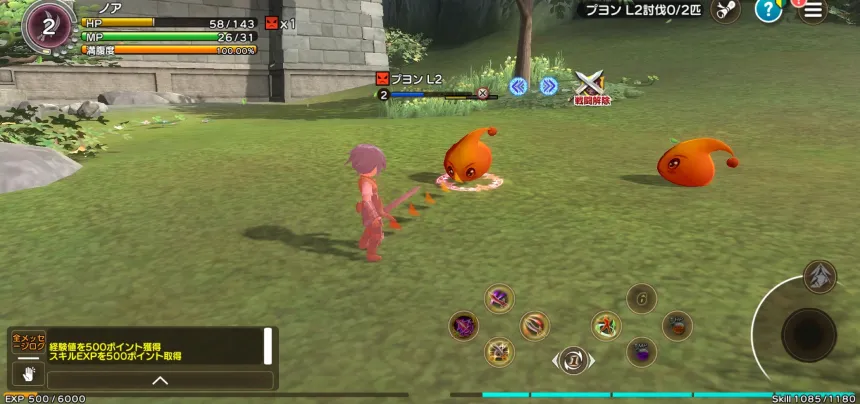
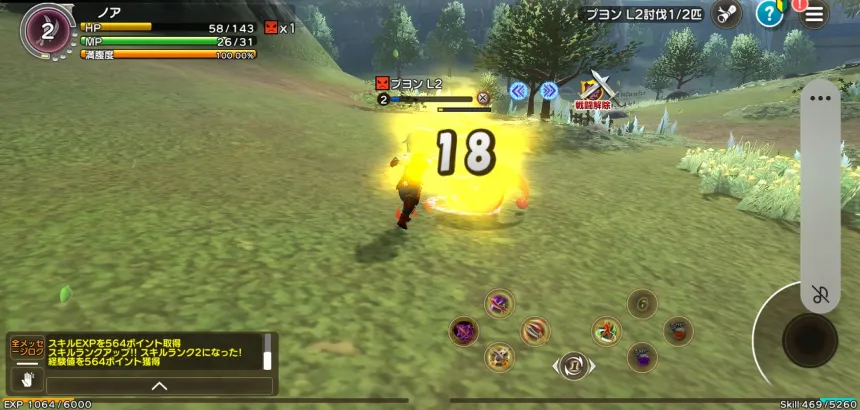
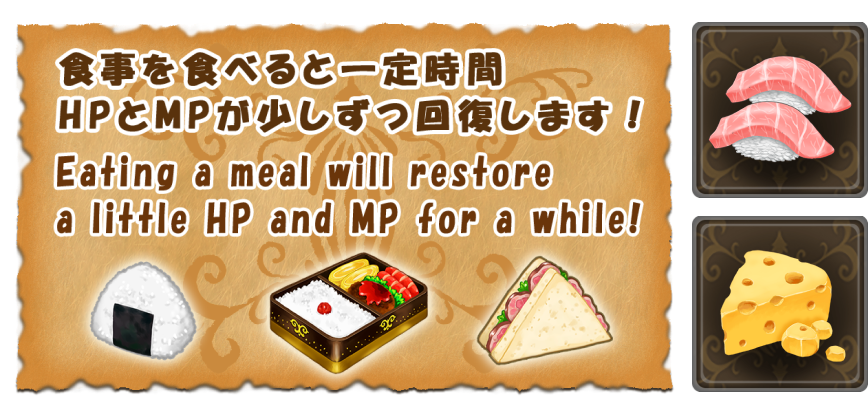
Food items
Food items allow players to recover their HP and MP. Consuming a Food item will increase the player's Fullness level and as the level decreases gradually, the HP and MP will recover. Once the Fullness level hits zero, the recovery effect will no longer apply to the character.
Dragon Tower
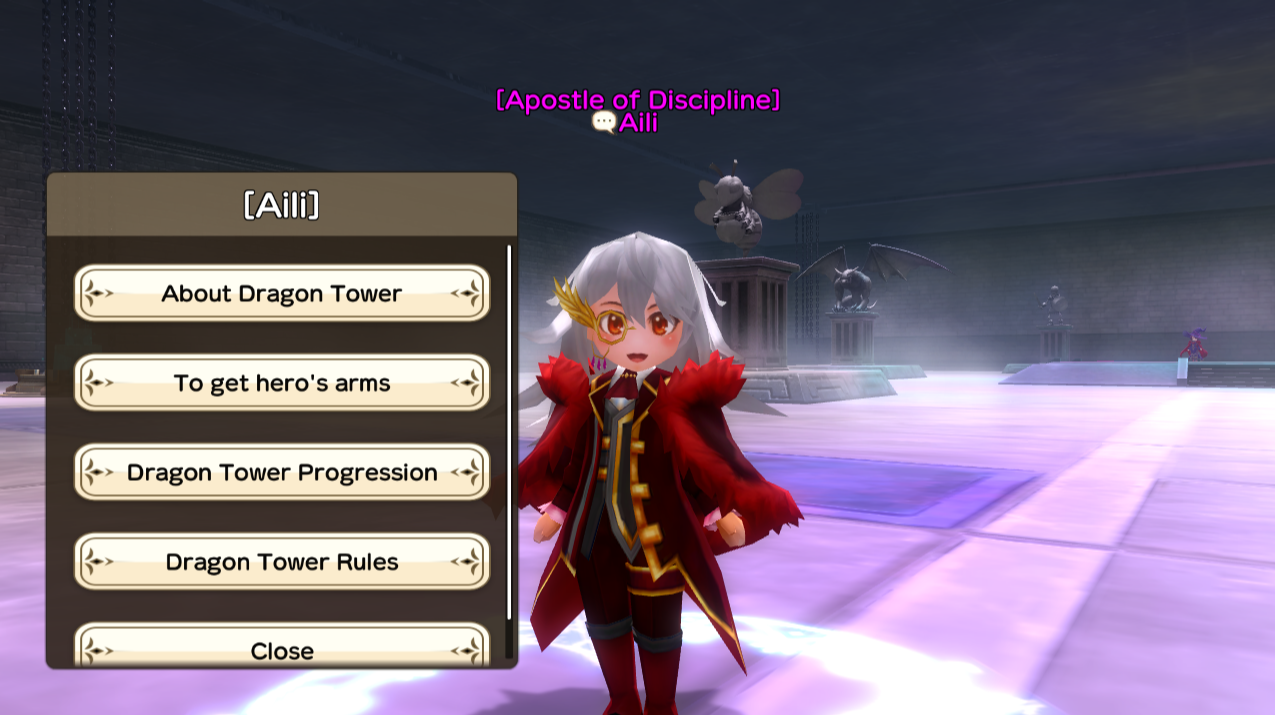
The Dragon Tower is a collection of towers consisting of multiple floors. Floors 1 through 4 are home to various monsters, and on the 5th floor, the legendary Lost Dragon and its formidable minions await any challengers.
Missions are assigned for each floor, and upon successful completion, players can progress to the next floor. Once the boss monster on the 5th floor is defeated, the tower challenge is considered completed.
Challenge the tower to obtain the legendary super-rare Gears!
How to use NFTs and wallets
We guide you through preparing a wallet, getting POL for gas fees and USDT for payment, and obtaining and listing NFTs.
See how to use GENSOKISHI